Setup Instructions
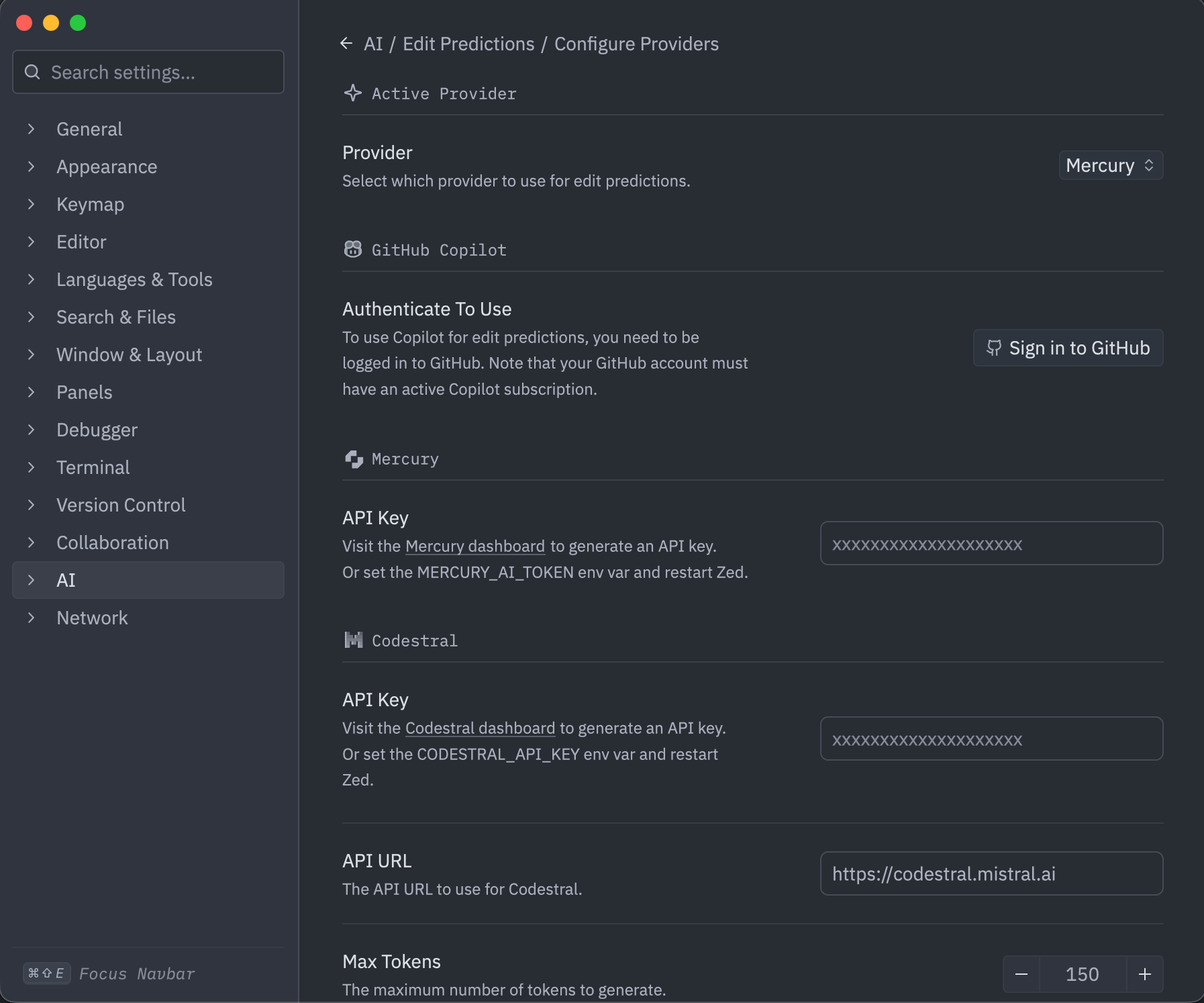
- After installing Zed, proceed to the Zed settings and navigate to AI -> Edit Predictions -> Configure Providers -> Mercury.
- Copy paste your Inception API Key and press Enter
- You’re ready to receive next-edit predictions from Mercury Edit! To ensure it is active, confirm that the Inception logo is present in the bottom-right corner of your Zed editor.