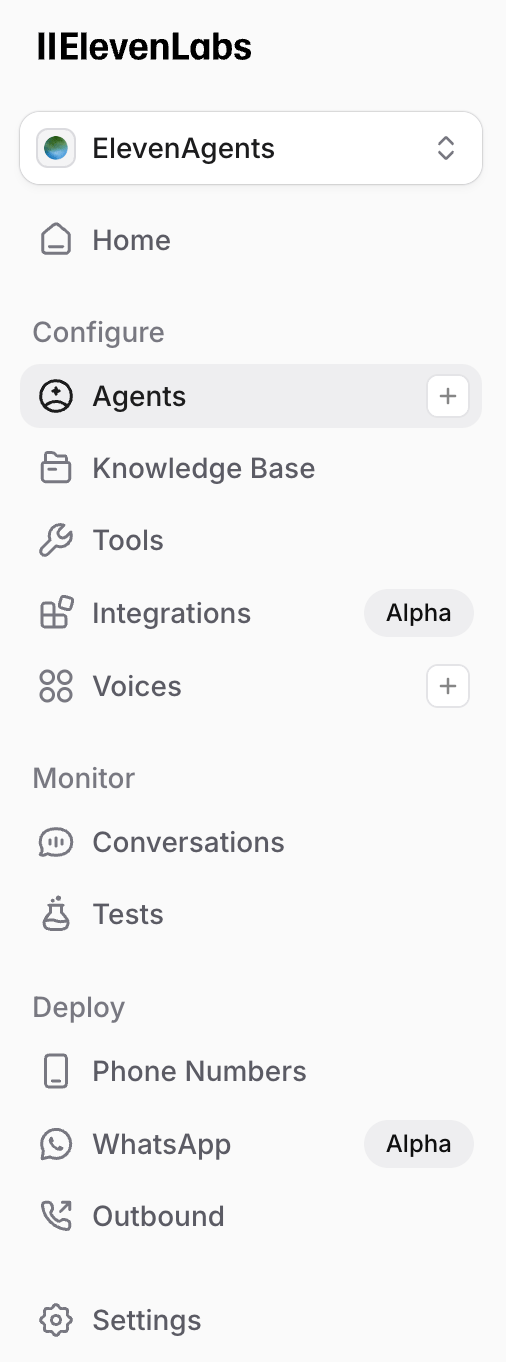
- Navigate to the Agents platform on the ElevenLabs sidebar.
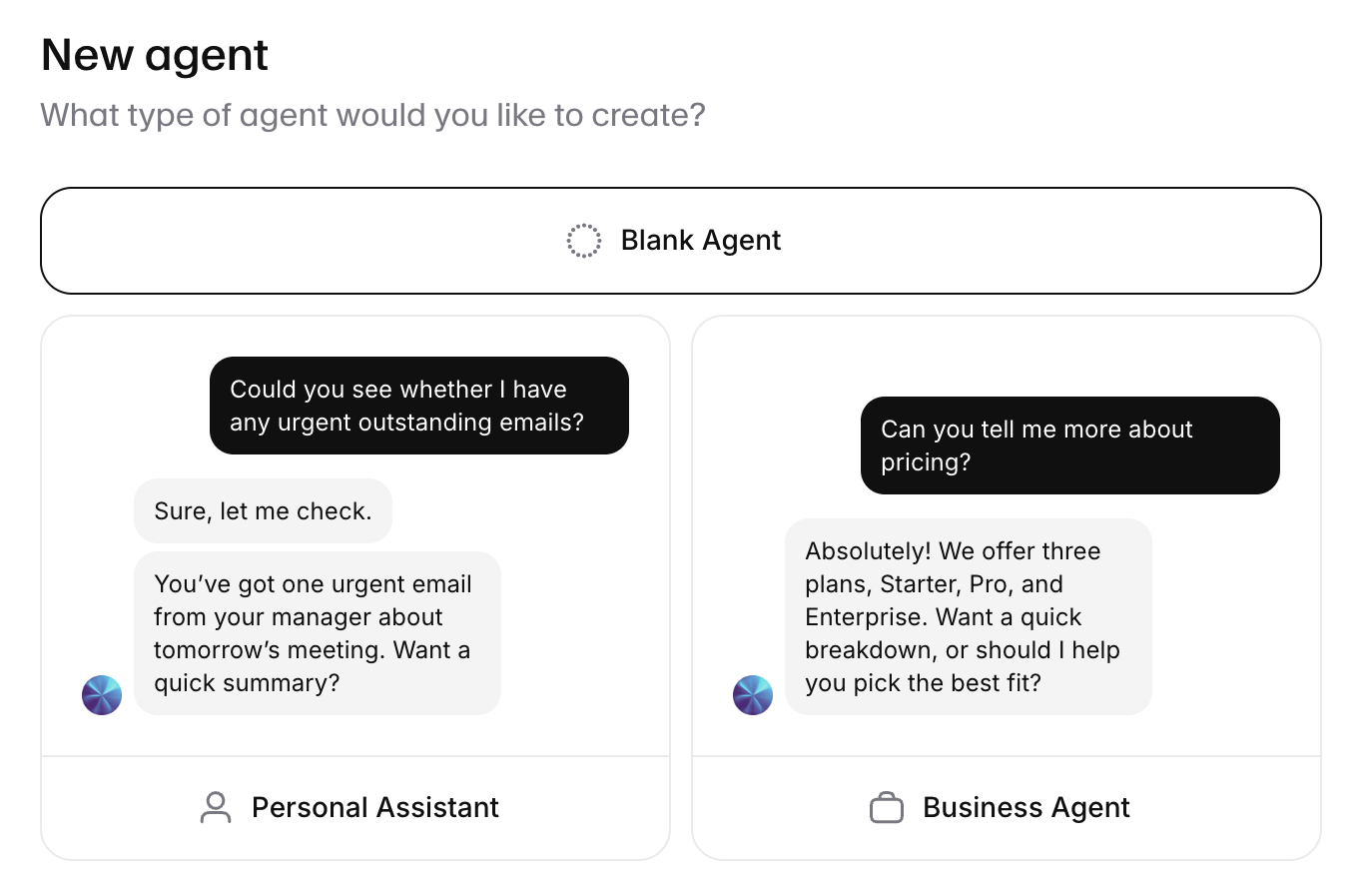
- Create a Blank Agent. You can name it Mercury 2.
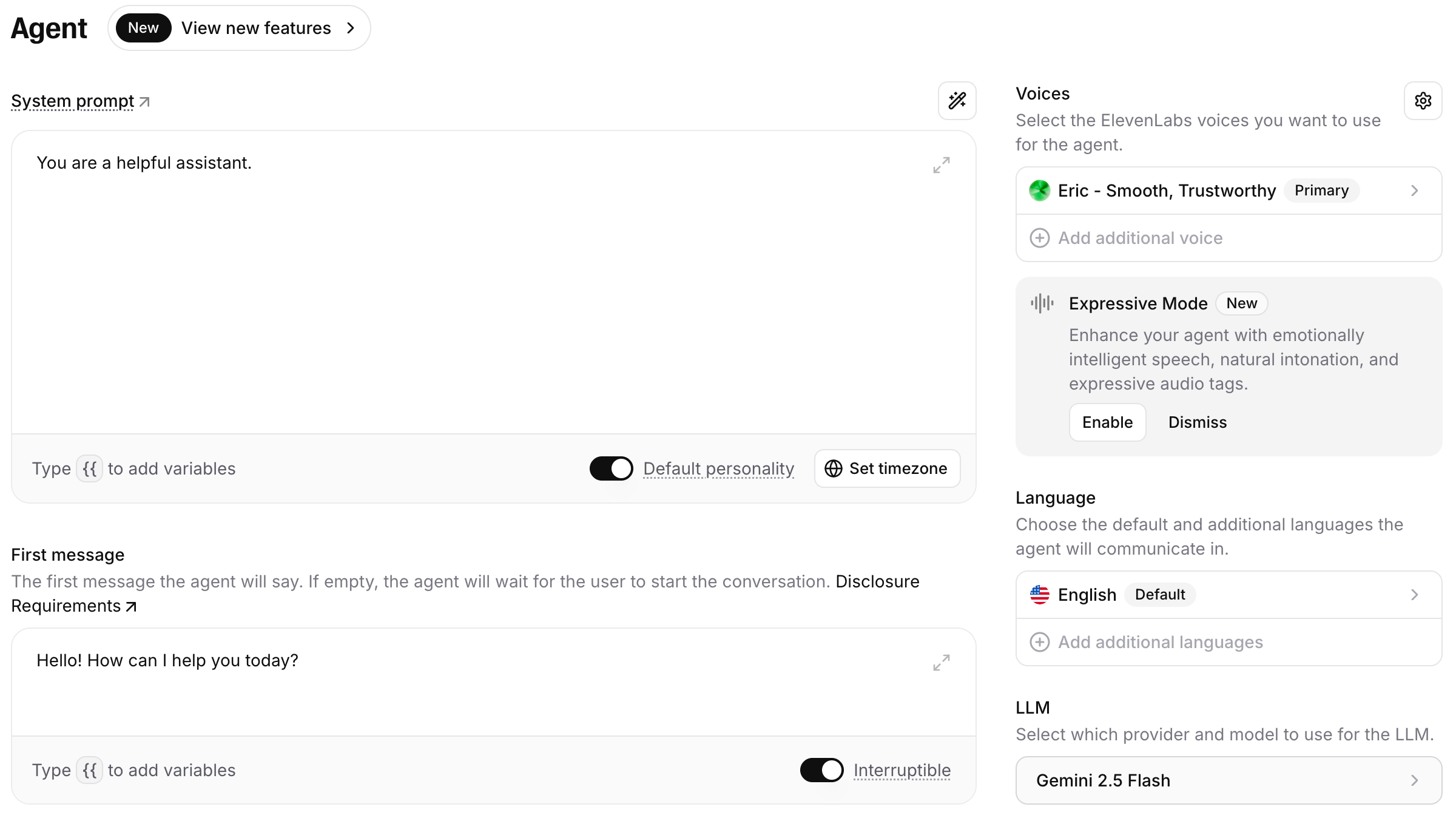
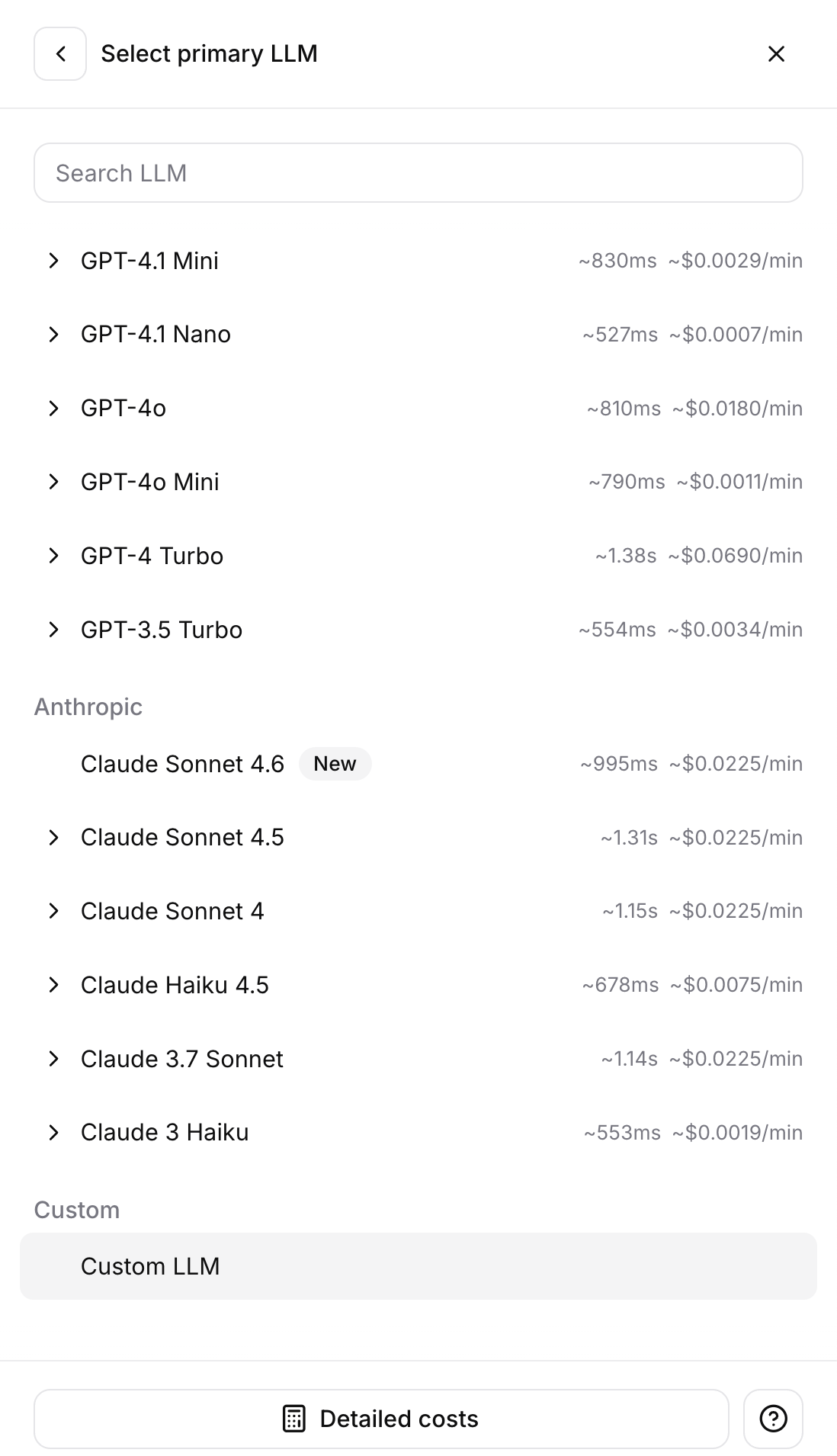
- Click into the model dropdown in the bottom right, under LLM.
- Scroll all the way down and select Custom LLM.
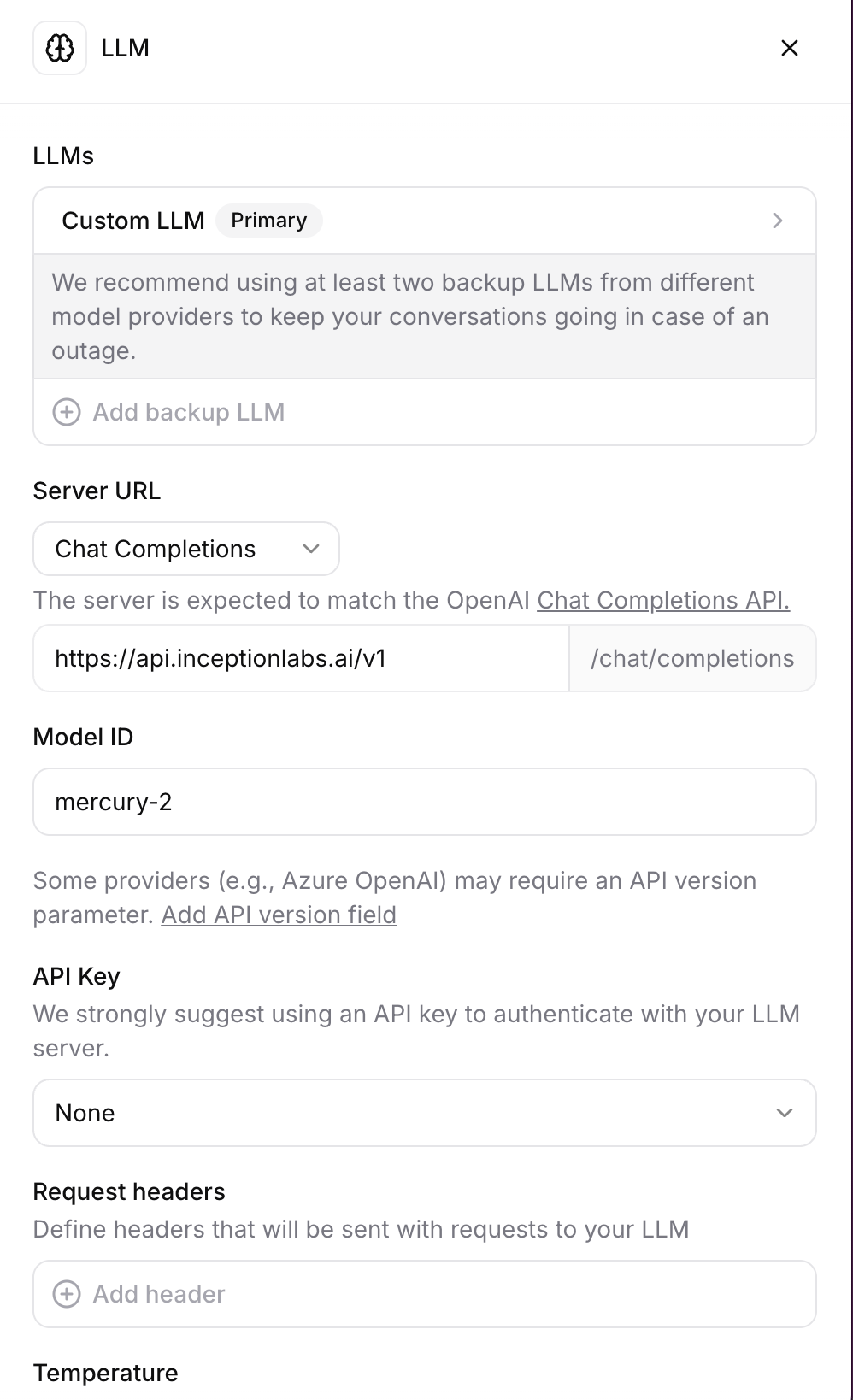
- Fill in Custom LLM details as follows:
- Add your Inception API key by clicking API Key —> Create new secret
- Set Server URL to
https://api.inceptionlabs.ai/v1 - Set Temperature to
0.75 - Set Reasoning Effort as desired (N.B. None defaults to
mediumreasoning effort)
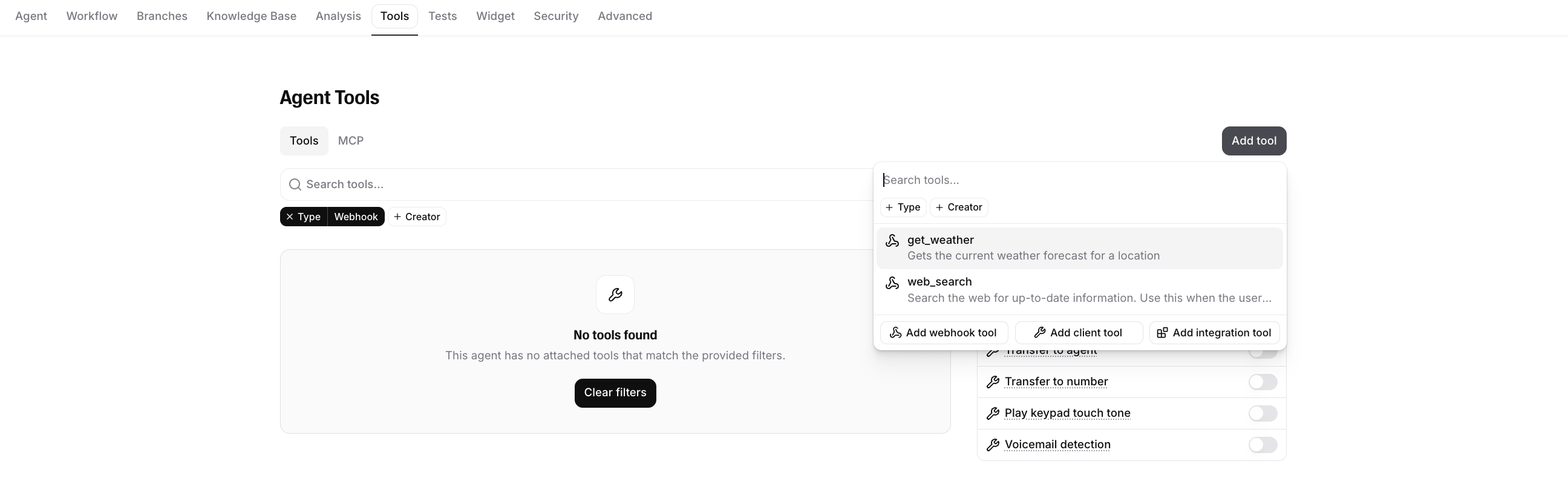
- Add any custom tools under the Tools tab.
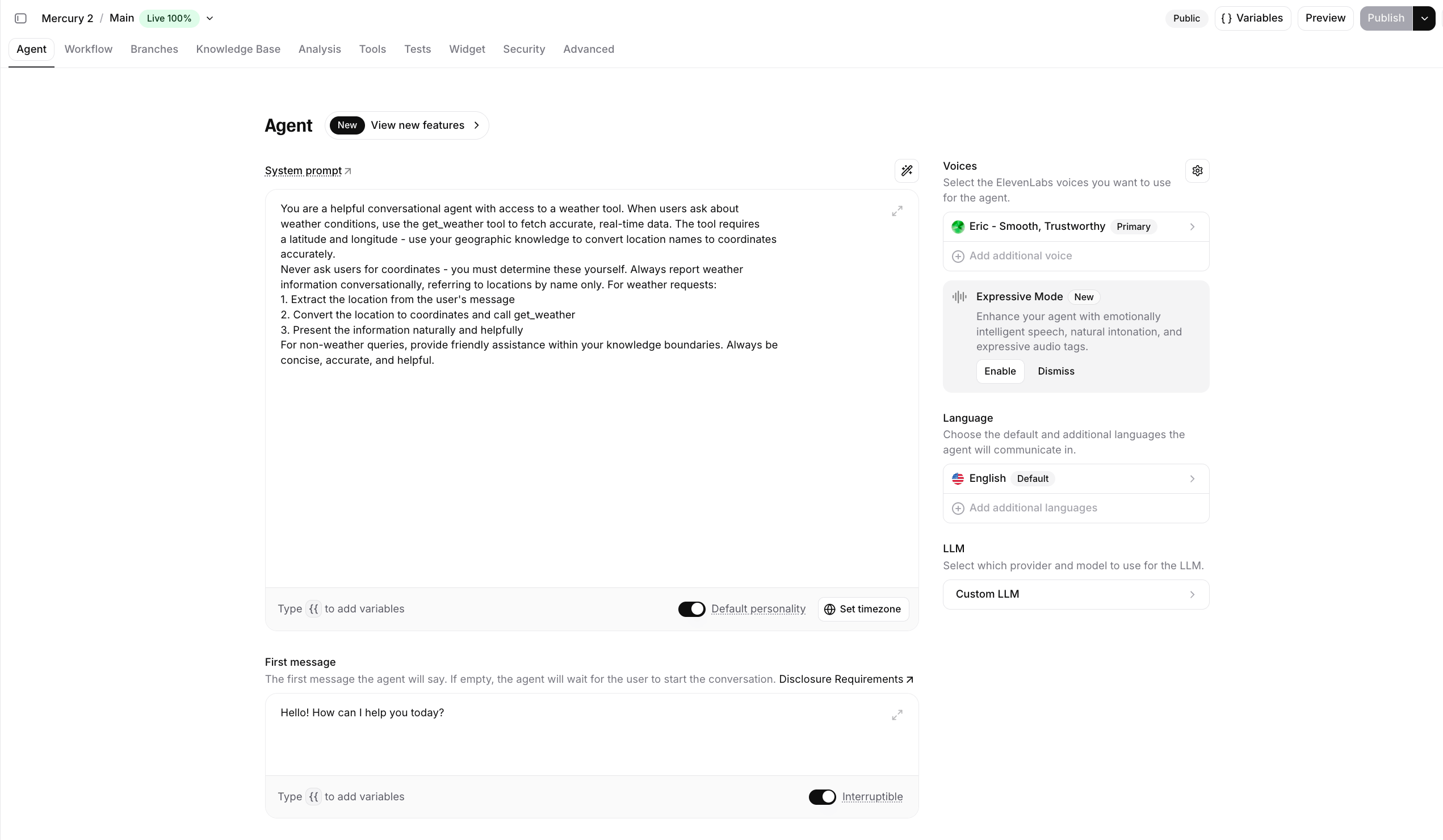
- Amend the Mercury 2 system prompt as desired, then hit Publish in the top right corner when done!
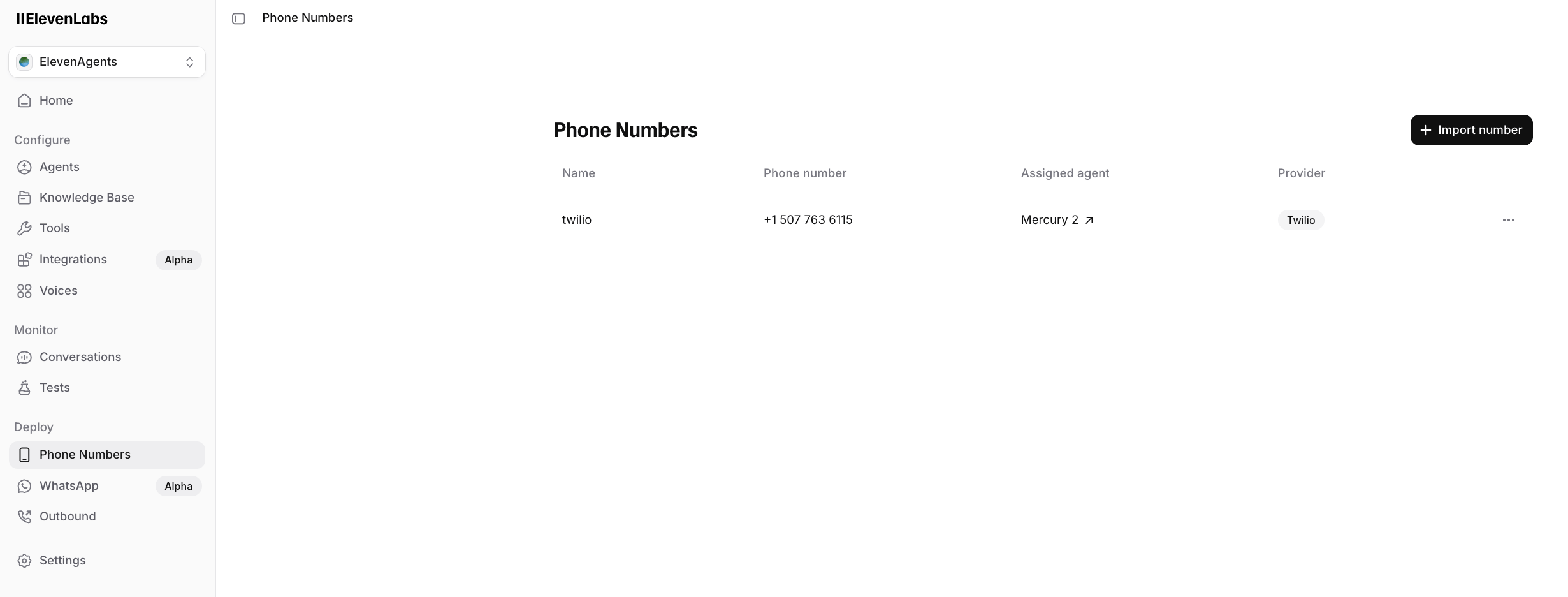
- For phone integration, add Mercury 2 as the assigned agent to pick up your phone calls.