

opencode in your terminal.
Setup
1
Run /connect
Type the 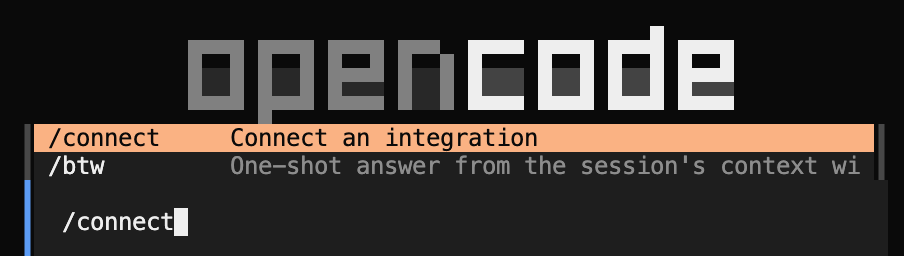
/connect command and press Enter.2
Search for Inception
Start typing Inception in the provider search and select it.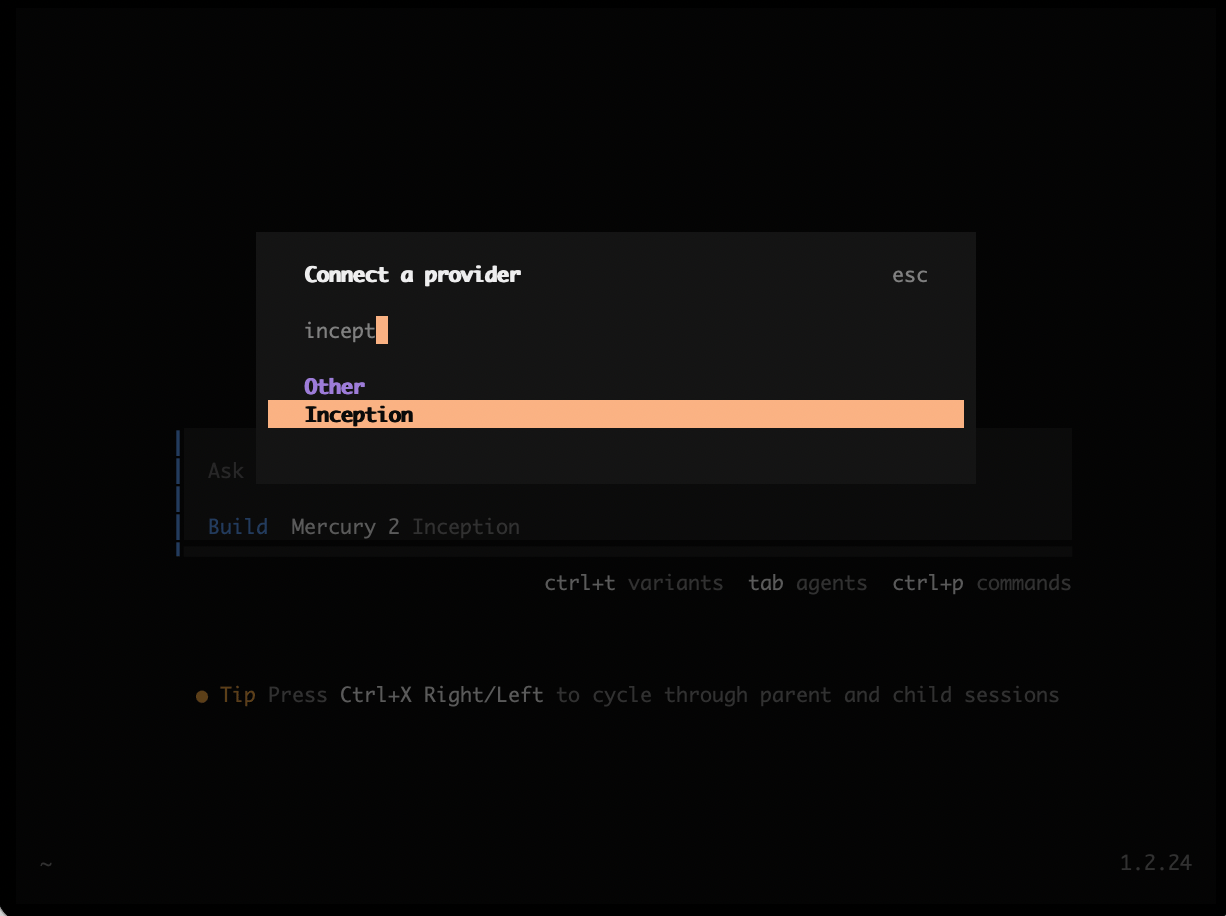
3
Add your API key
Select Add account, then paste your Inception API key when prompted.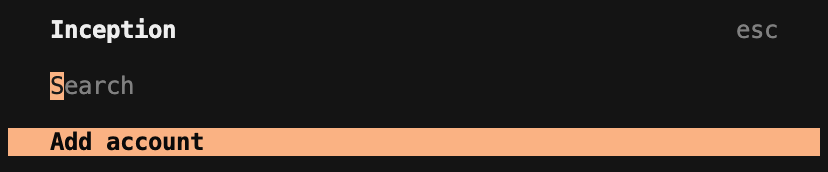
4
Select Mercury 3
Select Mercury 3 as your default model. To change models later, run the
/models command.