> ## Documentation Index
> Fetch the complete documentation index at: https://docs.inceptionlabs.ai/llms.txt
> Use this file to discover all available pages before exploring further.
# OpenCode
> Connect OpenCode to the Inception API.
### **Setup Instructions**
1. Install opencode from [https://opencode.ai/](https://opencode.ai/)
2. Run opencode in the terminal window
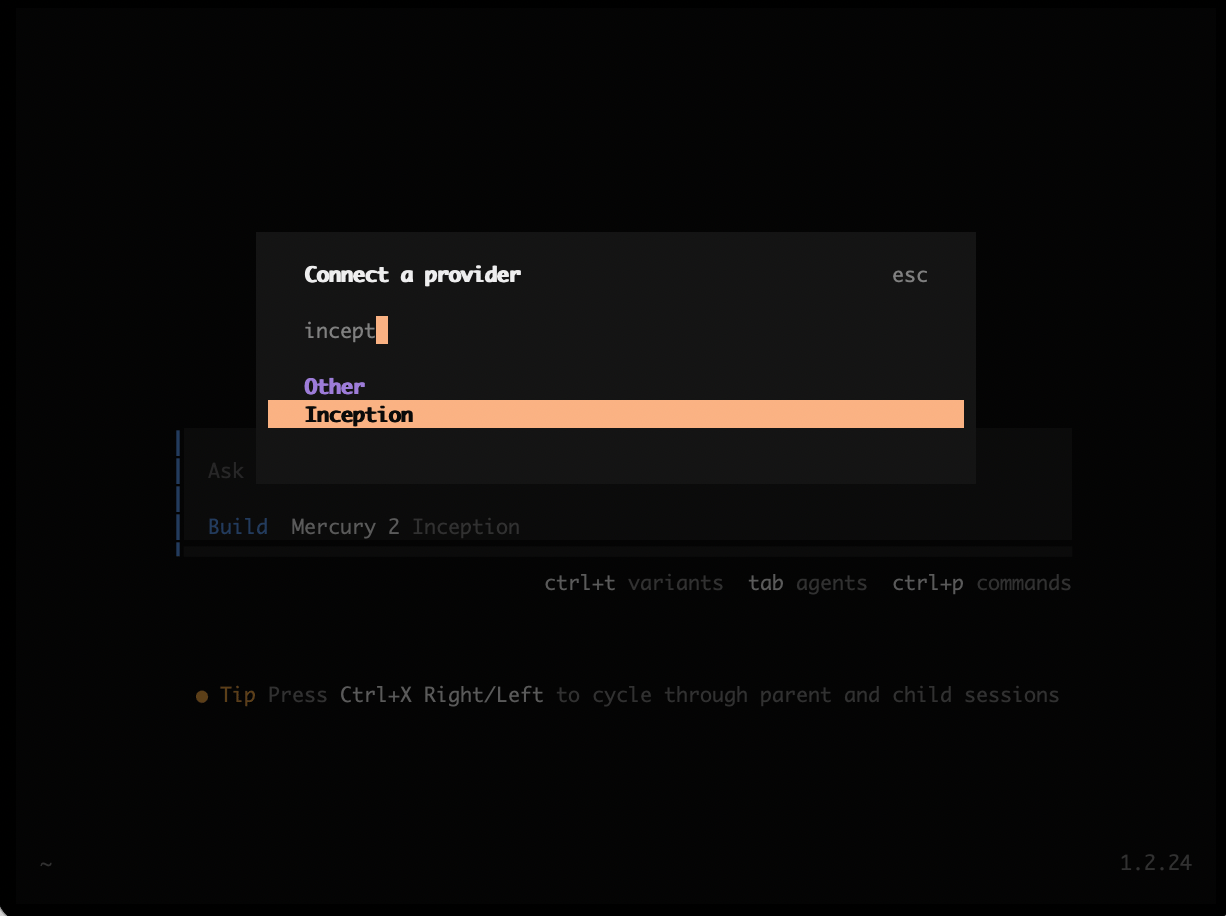
3. Type /connect to select a model
4. Choose Inception provider (TIP: start typing Inc and you'll find Inception in the list)
5. Paste in the Inception API\_KEY
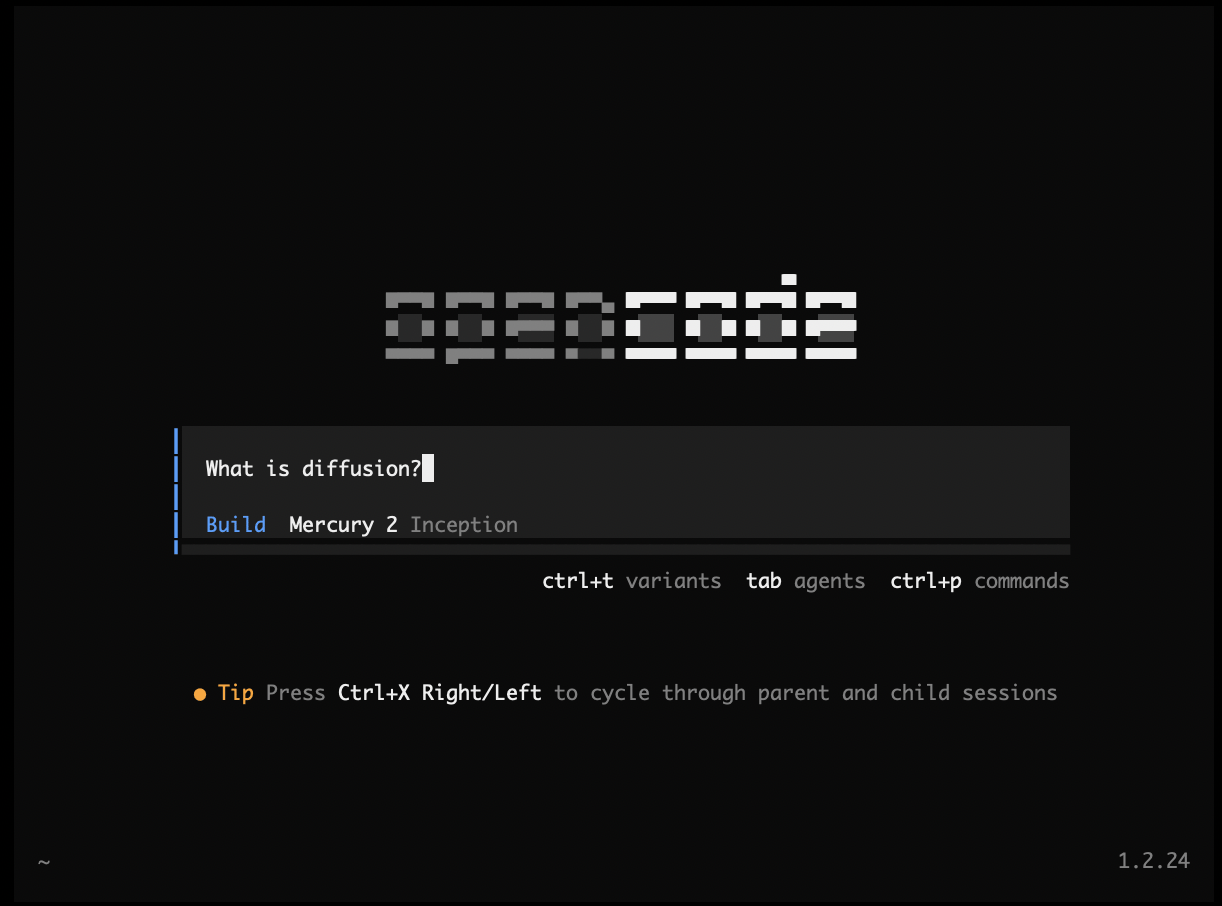
6. Select ‘Mercury 2’ from the list of available models (TIP: use ctrl+t to toggle between different reasoning efforts: low, medium, or high).
 [Documentation](https://opencode.ai/docs)